
To create a new container in a new location is easy.
- Login to PodCloud
- Click on "Add Website"
Currently "Website" refers to Container in this context, this name will be changed in a future update.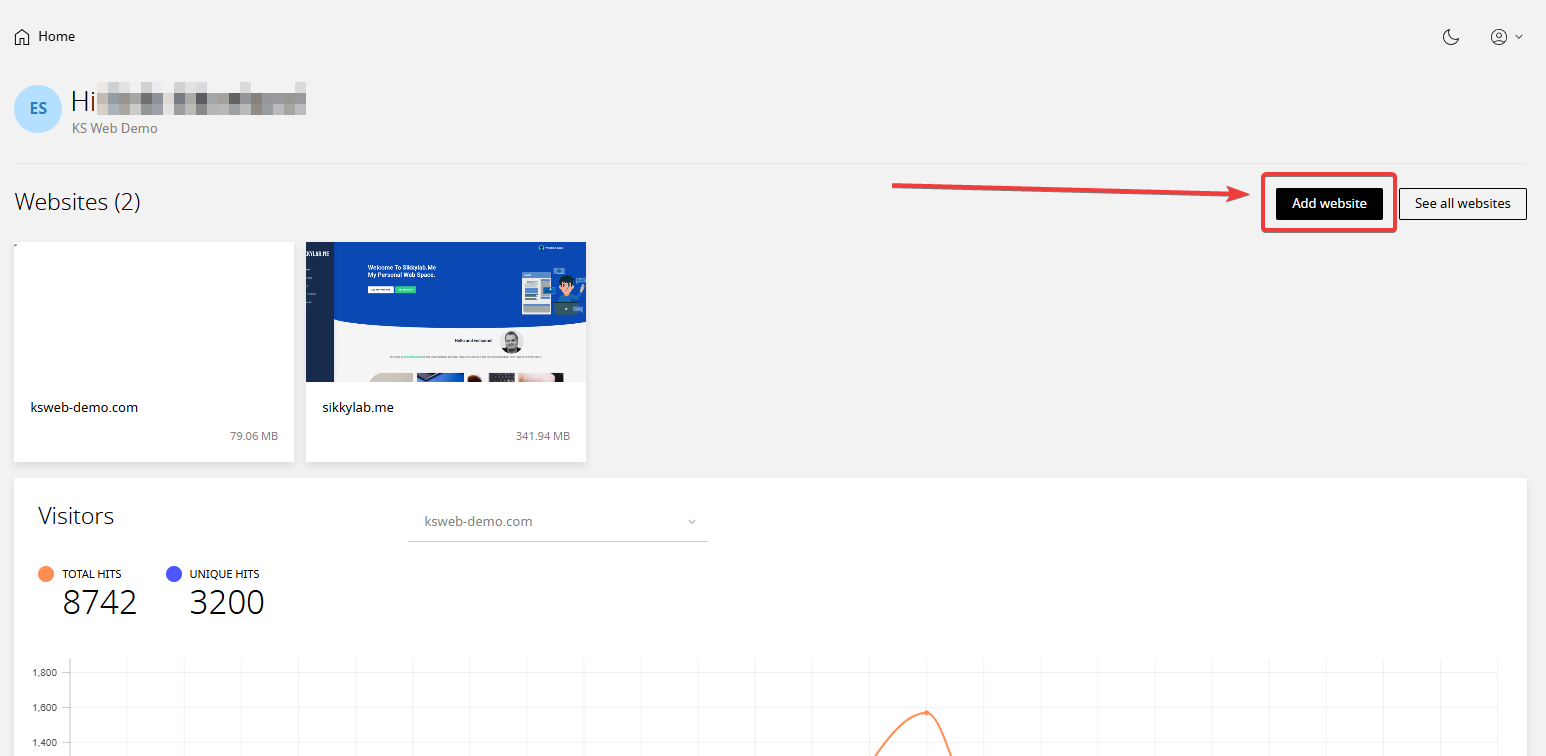
- Choose if you want to install a blank site and upload your own files, Install an App (WordPress) or Clone a website
Mostly you'd want to use "Start from scratch" if you want to upload your own website. Or use "Install an app" if you want to install WordPress. - Select your Server placement, here you can choose where in the world your container will be hosted.
- Enter your domain name
- Click "Add"